See this v3 page for the basics about this game
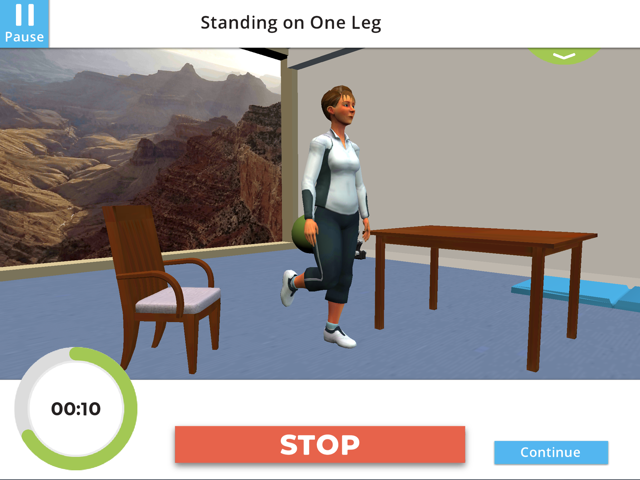

VERSION 4 UPDATES
- Redesigned UI build from the ground up with Unity’s new(er) UI system
- A redesigned Main Menu with tabs for different activity types and a Daily Tasks menu where users can see all of their patient-assigned tasks and activities to complete
- A new Lesson activity type, which plays out like a chat between doctor and patient. These can be used for any type of conversation, but this version focused on general health and COPD lessons.
- Support for Bluetooth Heart Rate Monitors so that players can see their biometric data during exercise routines and physical tests. All this biometric data gets sent to their clinicians so that they can access their performance/condition over time.
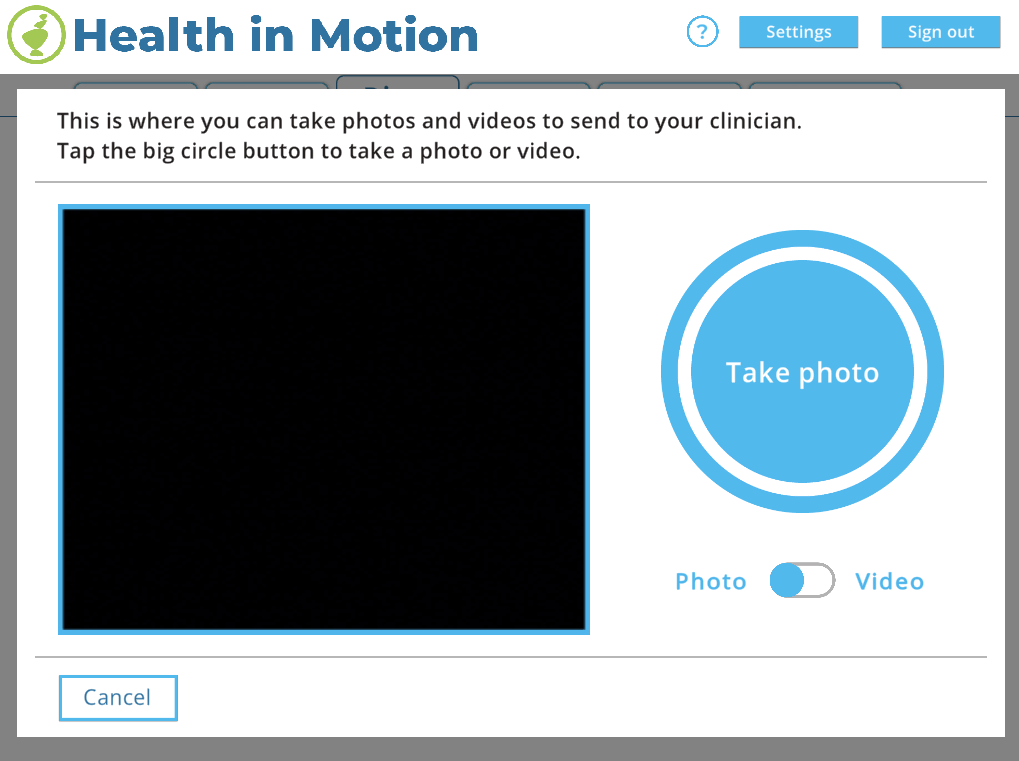
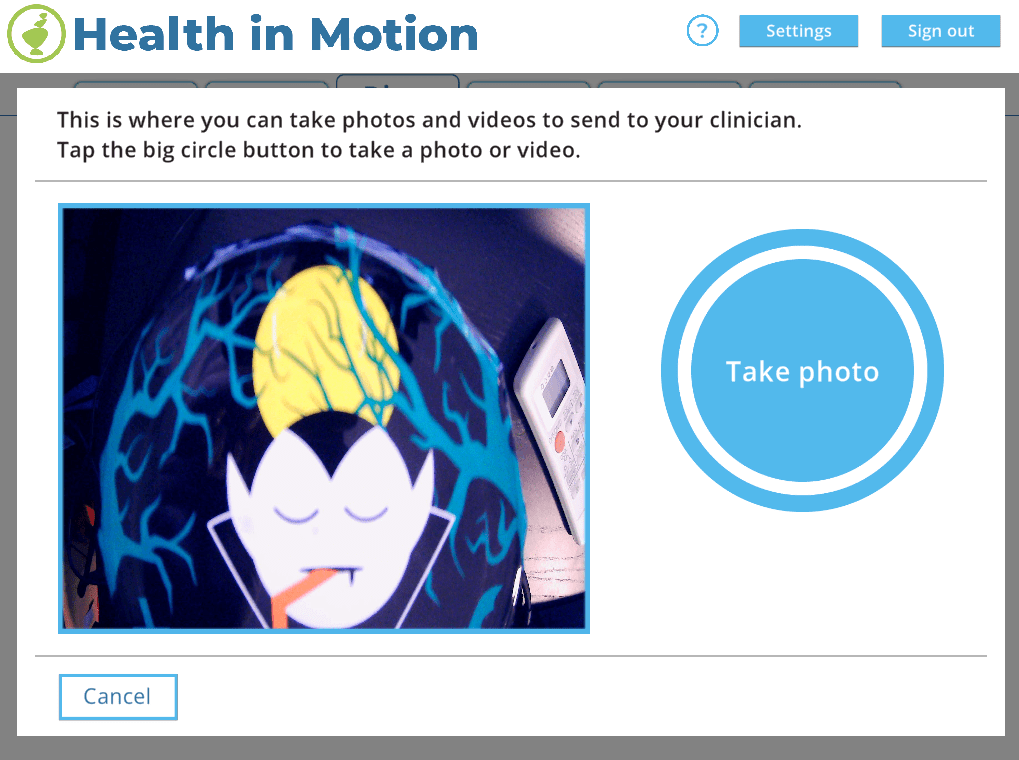
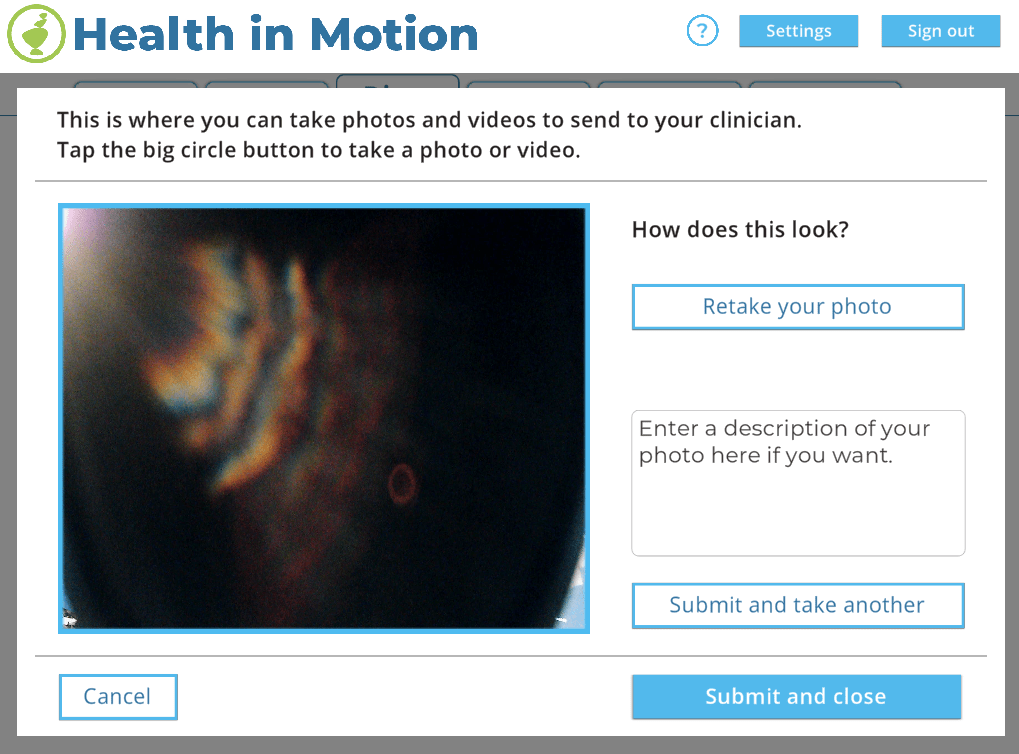
- A Capture Menu, where players can take pictures or videos and send them to their clinicians with questions and comments.
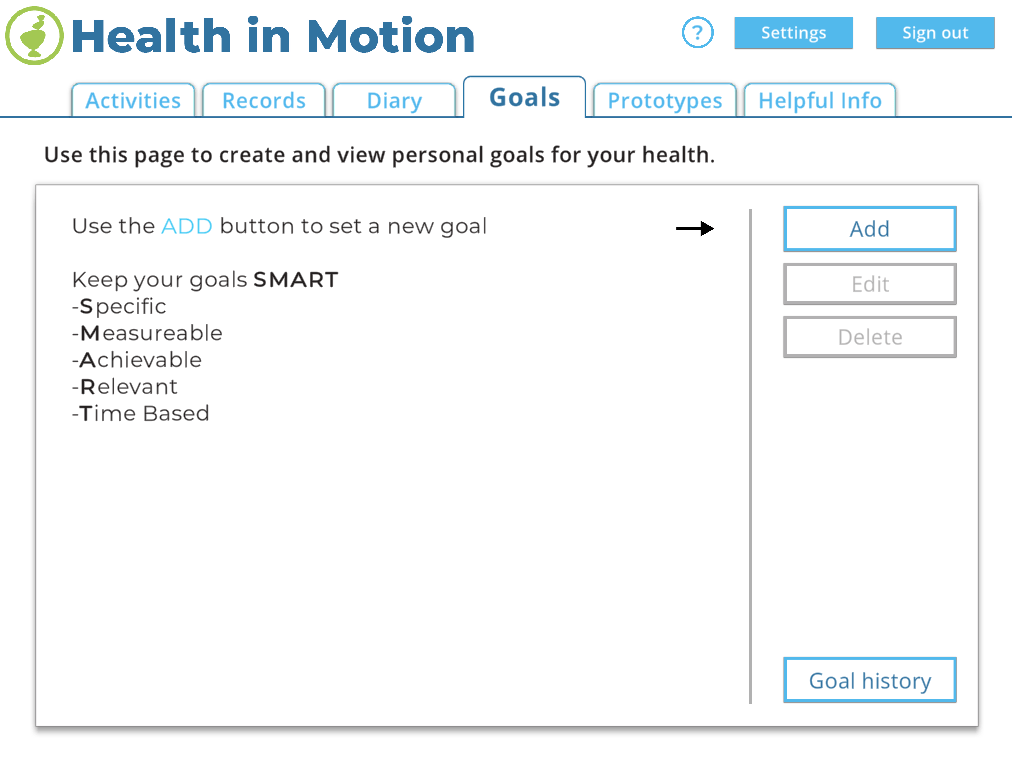
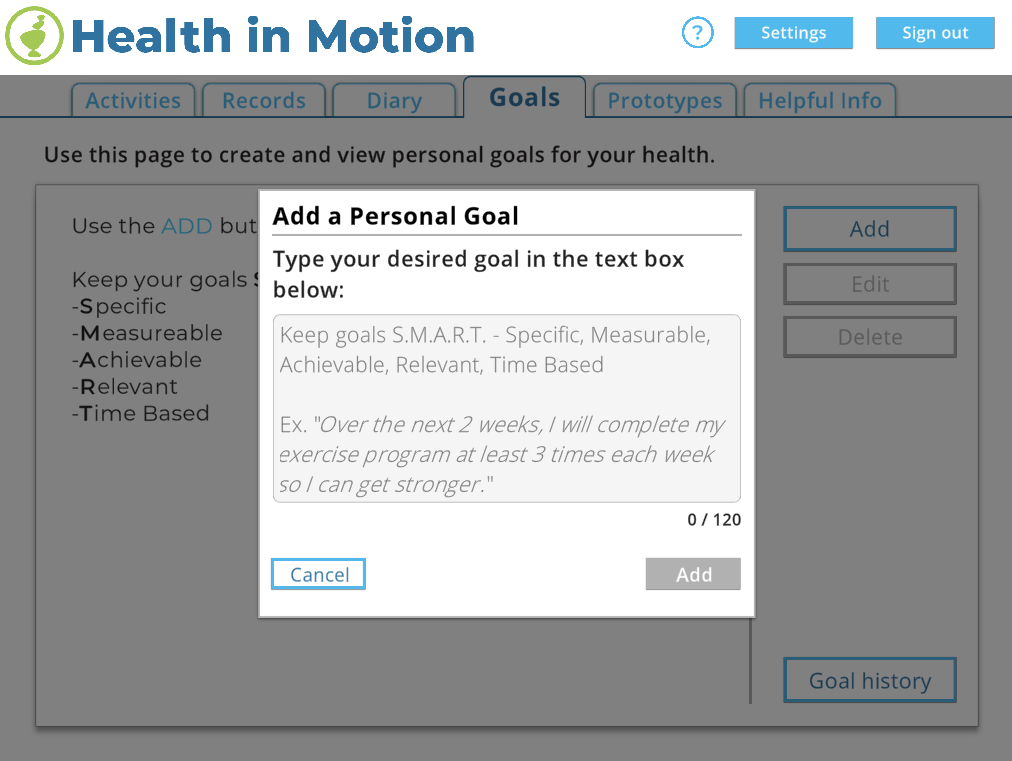
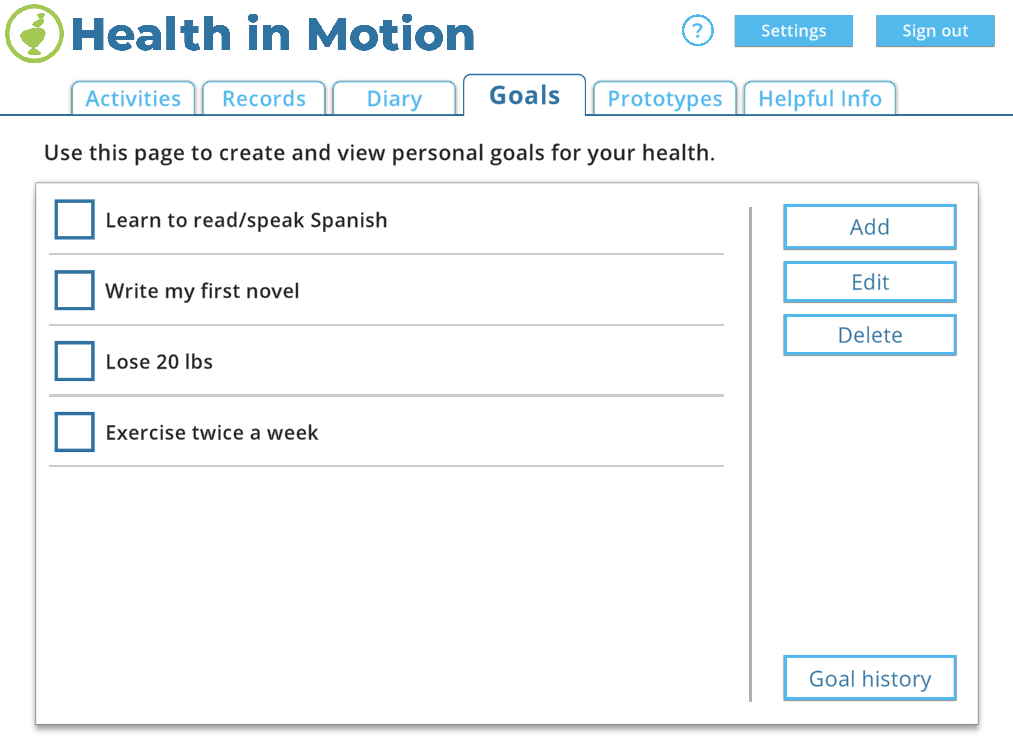
- A Goals Menu which works like a to-do list for players to keep track of their current and previous goals.
- A collectable item mini-game which was built to be controlled by a proprietary sensor worn by children with severe back injuries/conditions. Their posture controls the gameplay, and helps them work on their core strength while having fun collecting items.
ROLES AND CONTRIBUTIONS
UI SYSTEM REFACTORING/ARCHITECTURE
A major undertaking for this version of the app was updating all of the UI to Unity’s new UI systems. Previous to this version, all the UI was built using either 3rd party tools, or UI code developed by our programming team. So every button, text element, scroll window, etc. had to be redone. However, even with Unity’s new UI tools, there was still a lot of functionality missing; so I spearheaded the process of creating new UI tools that allowed all developers to build menu’s and screens faster and more easily.
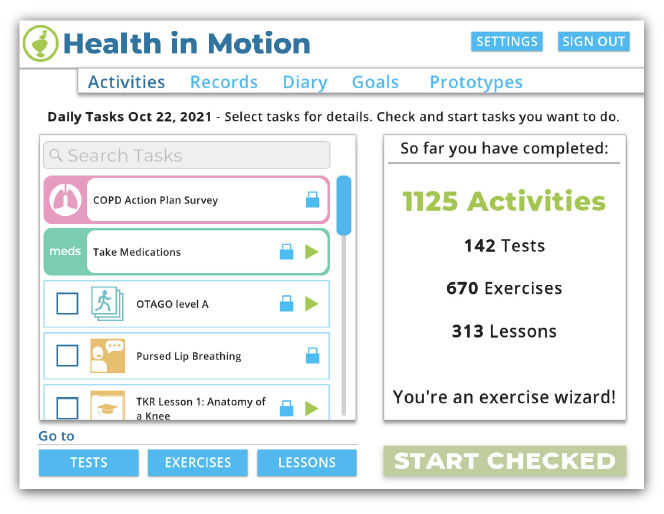
Another challenge we had was with how to handle the layering of all these new menus that we were able to build. Unity’s UI does allow for the ability to control layering through code, but it also is based on the scene object hierarchy. I devised a straight forward way to control layering and handle which layering group objects would assigned to when instantiated.
LESSON ACTIVITY SYSTEM
This version of the app introduced a new type of activity: Lessons. Lessons are a collection of simulated conversations that players can complete in order to learn new things. It’s setup like a chat thread, where doctor character explains things to a patient character. There are also questions that appear during the conversations, where the player has to guess the correct responses to questions.
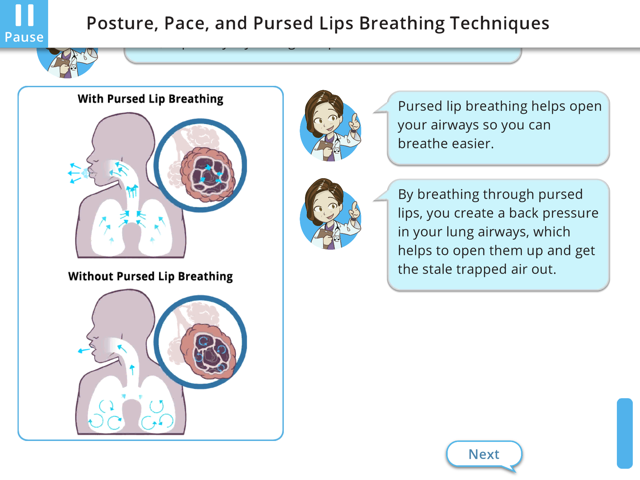
During the conversation, diagrams appear to better explain concepts. Some of these diagrams are interactive, so that the player can test their knowledge. Some of them are simple, like asking the player to select things on the diagram; whereas others are more complicated. For example: I built a breathing simulator diagram, which allowed the player to tweak different parameters (lip-position/form, speed in, and speed out). This lets the player see how changing these aspects of breathing controls how much the lungs fill up and how much oxygen is processed.
The thing I’m most proud of with this Lesson system is that I build it from scratch, and that after setting up a Unity Wizard Tool for it; it can take a CSV file (basically a script with some keywords for special functionality) and turn it into a playable lessons in a just a few minutes. It was a lot of fun to develop that kind of parsing, and has continued to be useful in creating lessons for all sorts of different subjects over the years.
CAPTURE MENU
One of features we kept getting requests for was some way for patients to send pictures and videos. This is extremely helpful when trying to diagnose issues that a patient may be having. It’s also really helpful for doctors to be able to see videos of how patients performs exercises, so that they can understand where they might be having trouble and then be able to give them better advice.

GOALS MENU

PROJECT LINKS
Game page from Blue Marble Game Co.
 Andrew Truman Neff