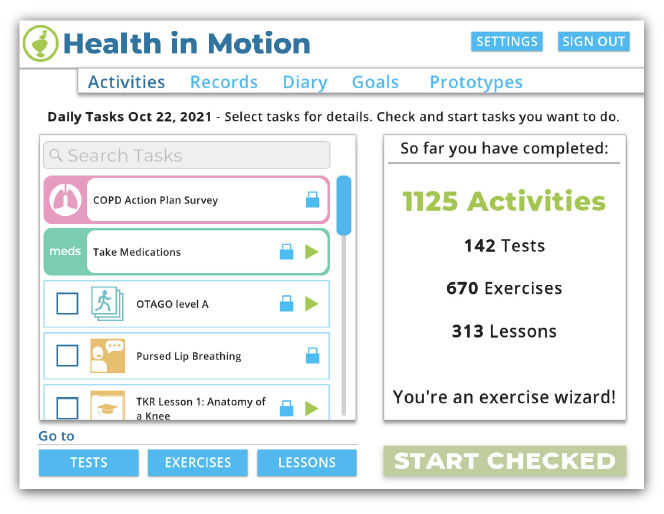
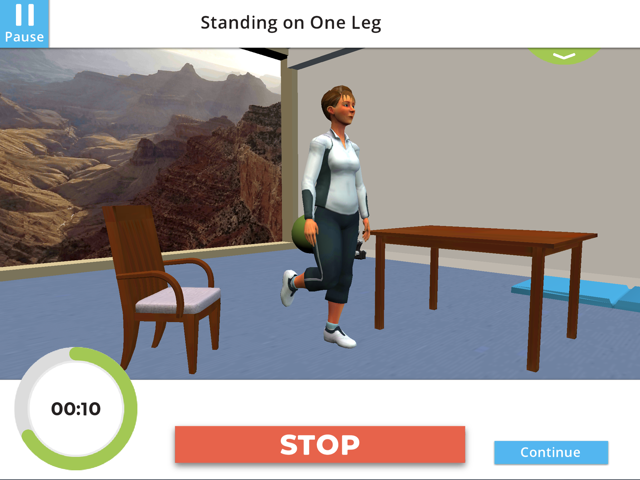
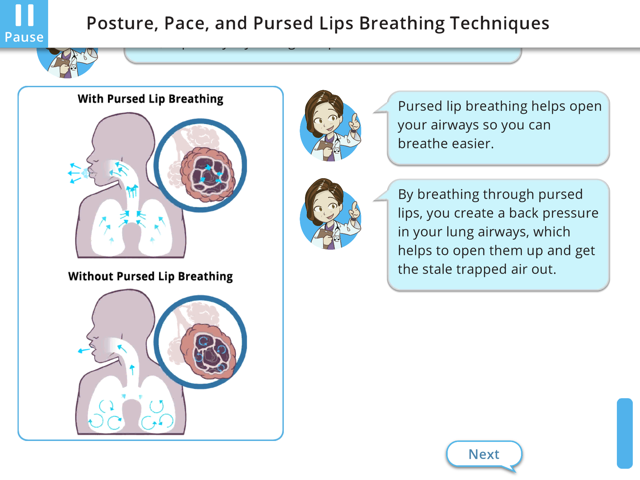

See this v3 page for the basics about this game
VERSION 5 UPDATES
- Localization Options (English & Spanish)
- Support of Bluetooth Pulse Oximeter
- External Exercise Tracking Menu
- Flex Sensor Integration
- Helpful Info menu
- Updated Daily Tasks menu with new Medication and Health Diary redirect features
- Action Plan menu for COPD and Asthma
- Medication tracking and surveys
ROLES AND CONTRIBUTIONS
PROGRAMMING TEAM LEADER
Blue Marble is a small company, with an even smaller programming team. So a role like “Lead Programmer” doesn’t really make sense in the same way it would at a larger company. Still, I did several things to help manage the programming team, as well as to elevate and support my fellow game programmers.
I led a campaign for us to get our own “Programmer Office” room. While there were some benefits to having most of the game developers in the same big room, it also came with a lot of distractions. So moving into our own room allowed us to focus much better while at our desks, and made break-time in the game/break room feel more special.
I also organized monthly programmer meetings, where we could plan things out and keep in sync. This was really helpful for big things like updating Unity versions, agreeing on what git rules/strategies would be, and reworking our app for localization. We would also inform each other about functionality that we added to the app, so that the others would be informed about new tools that they could use, or systems they might be affected by. It was also an opportunity to discuss ideas about improvements to the app, or code-tools, or how to integrate software-design-patterns.
LOCALIZATION TOOLS AND METHODS
The biggest challenge that we’ve had to figure out recently has been localization. The goal was to localize the entire app into Spanish, but also to be able to toggle between Spanish and English. There were many reasons why this was difficult, but the biggest challenge was how to handle the app’s ever-evolving, and expanding amount of text. There are thousands of bits of text in the app, and more is getting added all the time as we add new features. Also the text is never set in stone; designers, researchers, and collaborators are always tweaking the text, so we had to account for that with our localization strategy.
Ultimately, we decided that our localization solution could not come from hiring a third party to do the work for us. Instead, we developed a set of tools that we could use to translate all the existing text, and to handle all the new/edited text. My job was to create the programmer workflow on the Unity side, so that the designers/researchers would have minimal changes/interruptions in their workflow. This involved creating editor tool within Unity, as well as python scripts to get machine language translations. I also helped develop tools to create reports of all the machine translated text, so they could be reviewed by native Spanish speakers; and then re-imported back into the Unity project.
BLUETOOTH PULSE OXIMETER INTEGRATION
One of the groups we collaborated with wanted to integrate a Bluetooth Pulse Oximeter into the app. In order to make this possible, I had to figure out how to repurpose our Bluetooth Heart Rate monitor feature to be able to also connect to this new device type and get it’s data to visualize in the app and report to our clinician-facing website. Because of the particular device and the data it generates, there were no standard protocols or interfaces that could be used to handle the connect and data transfer; so I had to create that software bridge, as well as create the interfaces to be able to control its connection with the app.
UI / MENU PROGRAMMING
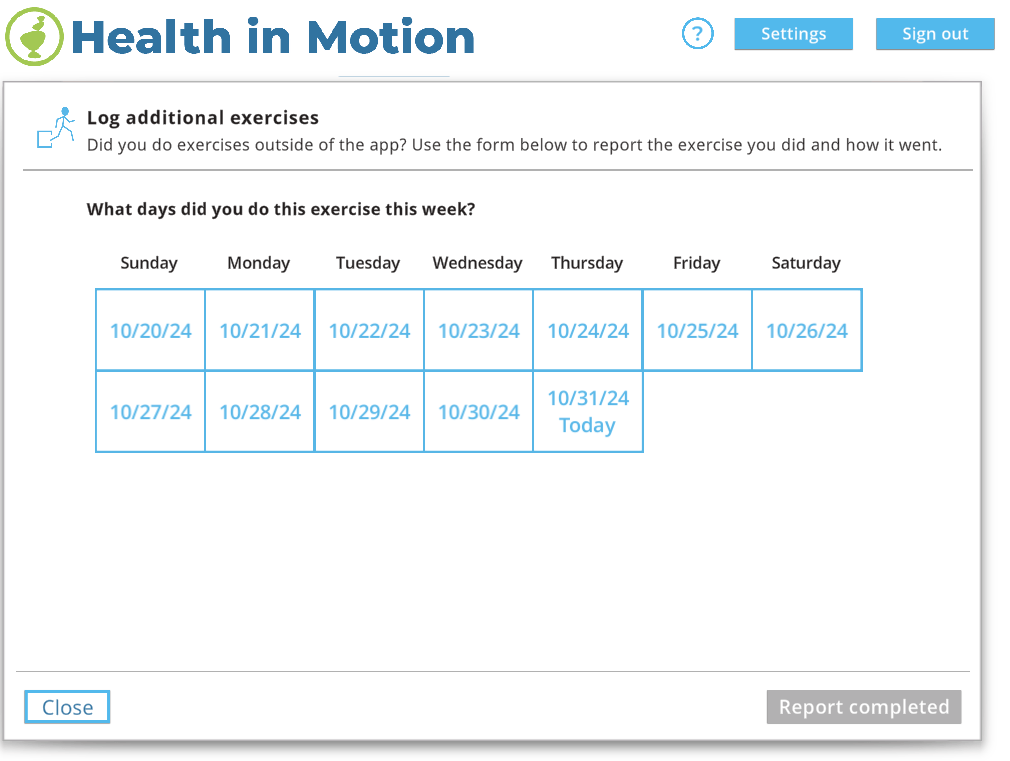
Additional/External Exercise Logging
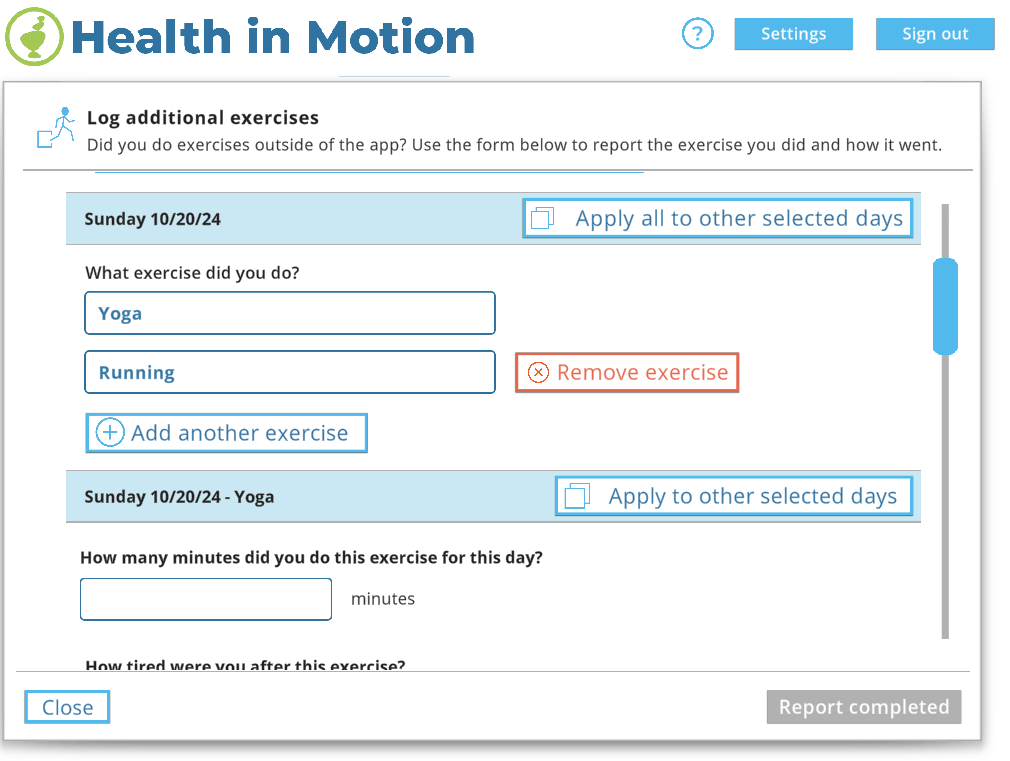
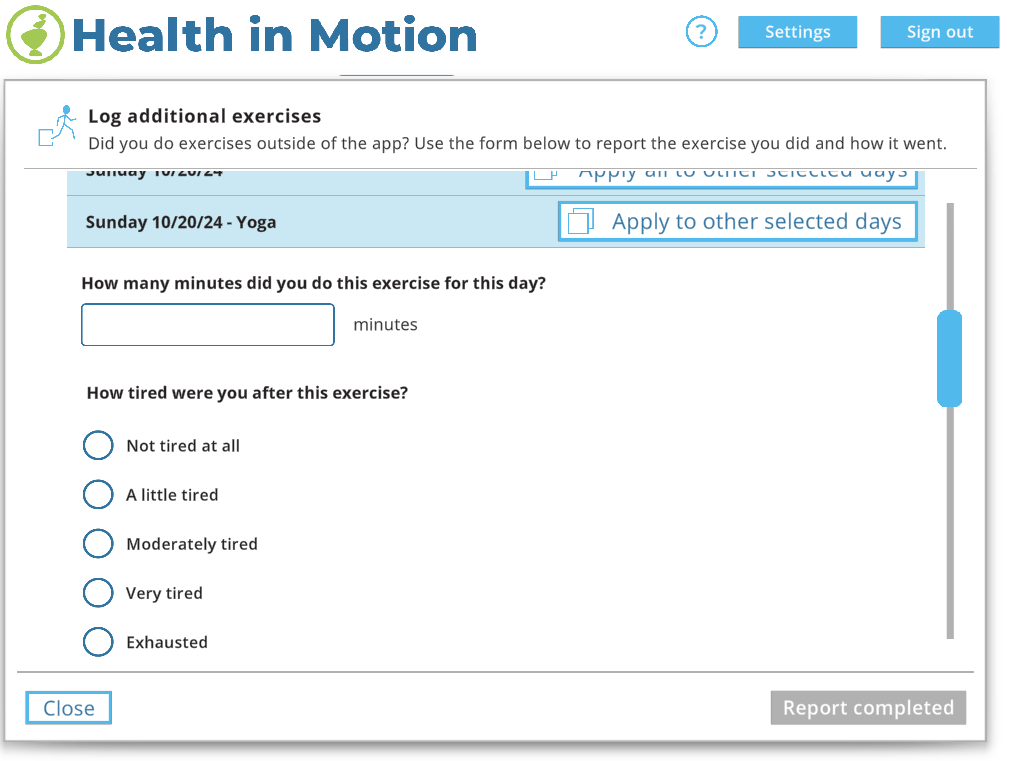
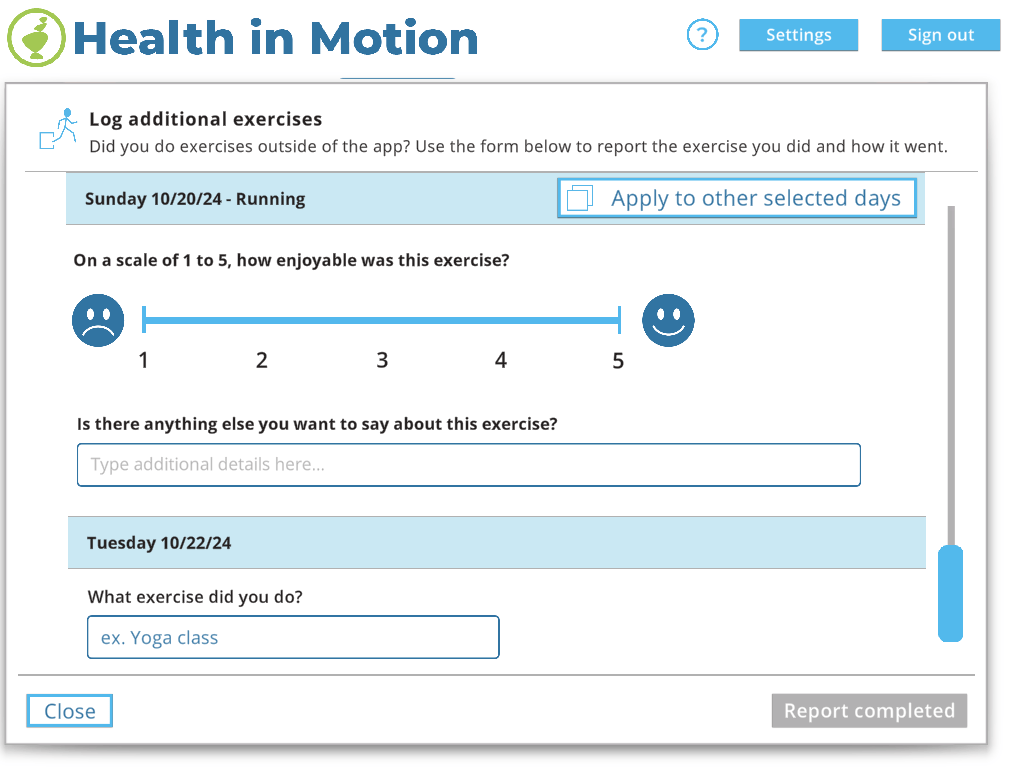
At this point in the apps life, there’s almost a hundred exercises that a player can do as part of an exercise routine; most of which were quickly implemented by the Exercise Wizard I developed a few years ago. Still, there are a lot of exercises that aren’t in the app, that players would like to be able to track; so our solution became the Log Additional Exercises menu.
With this menu, players can report any type of exercise they completed, along with filling out an optional survey about their experience performing the exercise. They can also report up to two weeks worth of exercises at a time; with some copy functionality build in, so they don’t have to enter the same information more than once.
The most enjoyable part of creating this menu, was in making it dynamically adjust to handle multiple days of exercises, as well as multiple exercises per day. It was also challenging and satisfying to create a “floating header” which keeps the exercise name UI pinned to the top of the scroll section while the user fills out the survey for that exercise (which is too long to fit on one screen).
Flex Sensor Integration
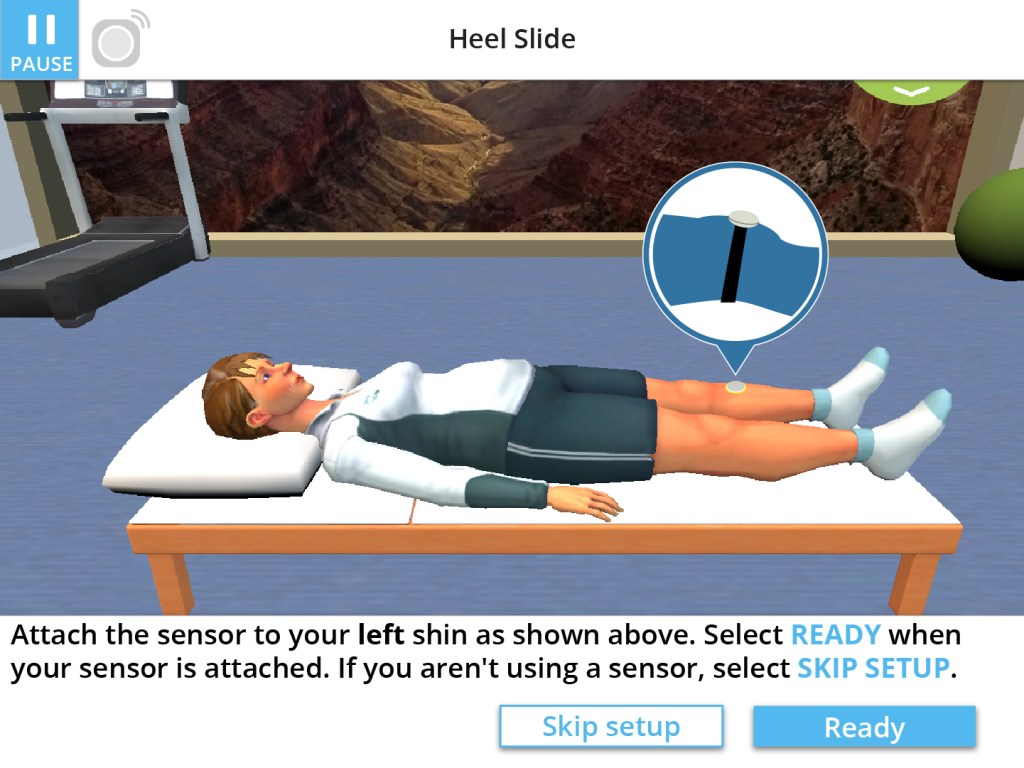
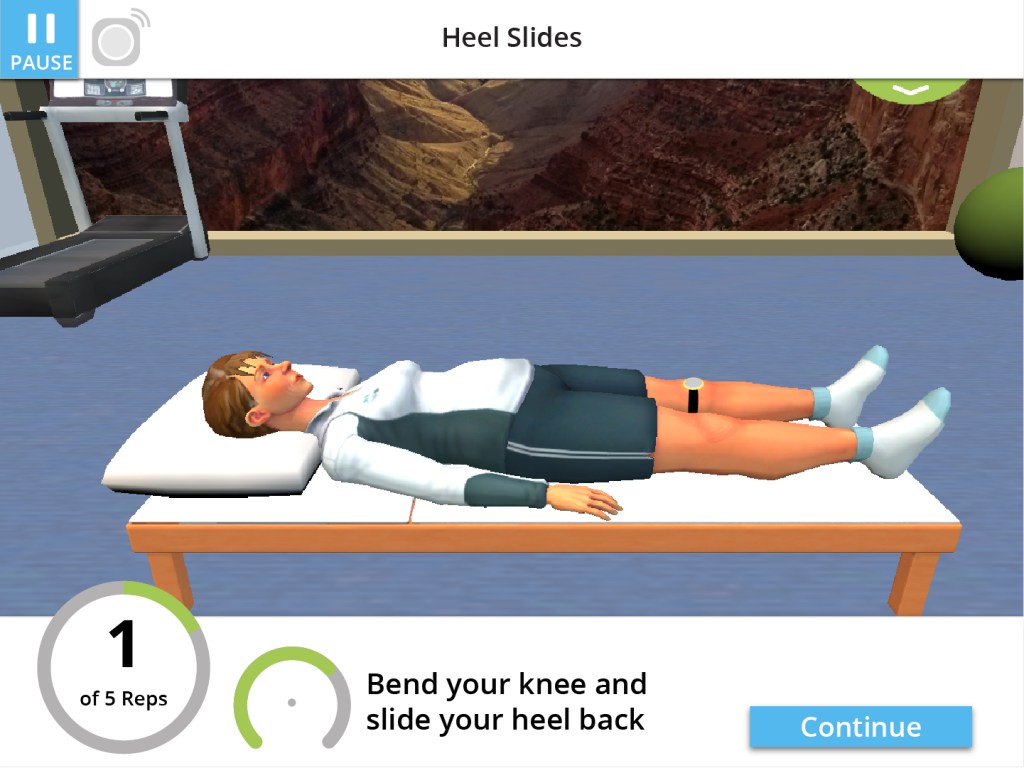
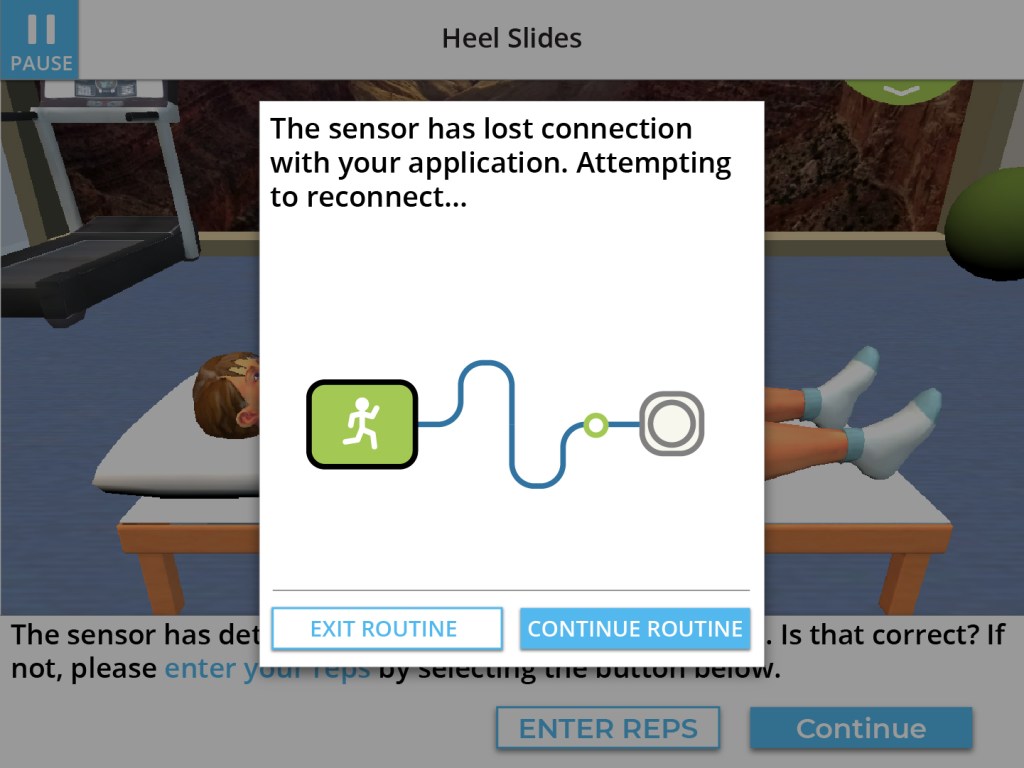
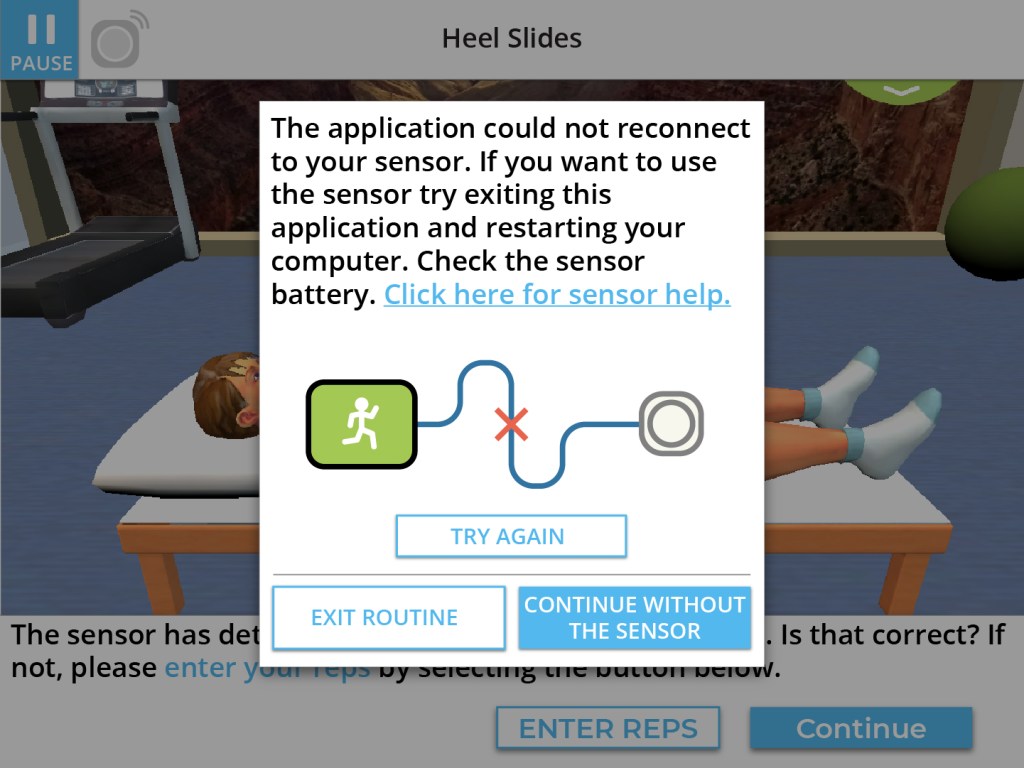
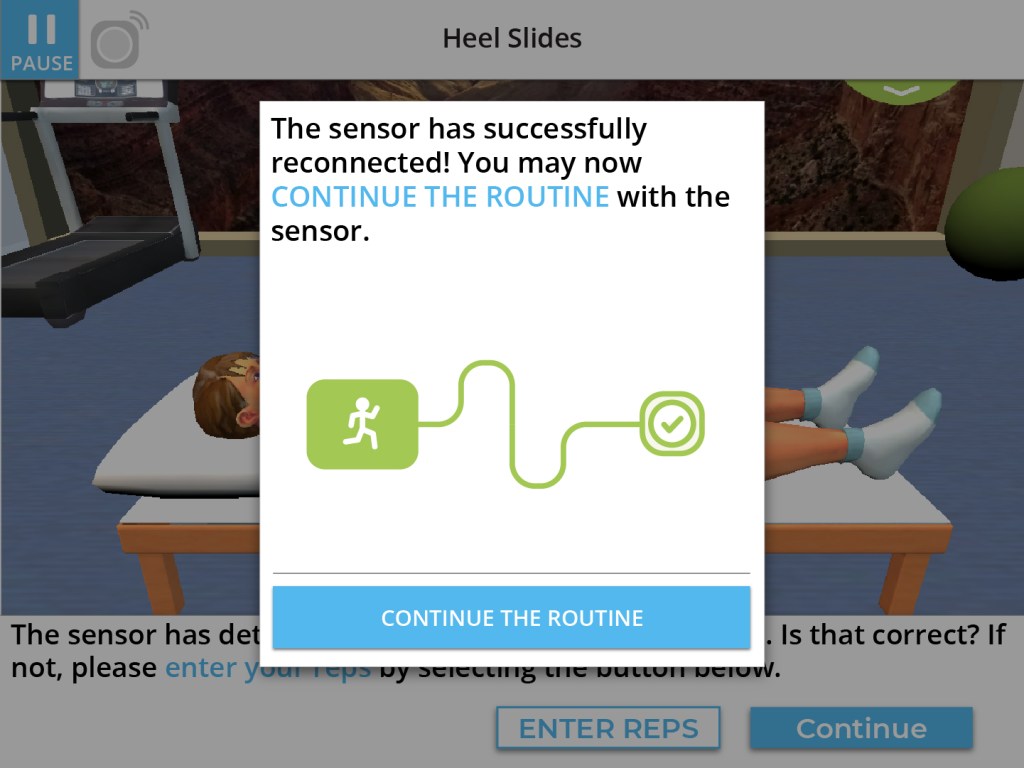
Another group we collaborated with wanted to integrate a gyroscopic sensor into the app, in order to track patient’s range of motion for several exercises. Since I had worked with this device before on the Treasure Trunk project, I already had a system to connect to the sensor; but this time I would need to process different kinds of data, and create a new visual interface to present that data to the user.
I also had to reconfigure existing exercises to be able to incorporate a calibration process; which was required to accurately track that specific exercise. While at the same time, making sure that users without the sensor would be able to play the exercise as they normally do.
Helpful Info Tab
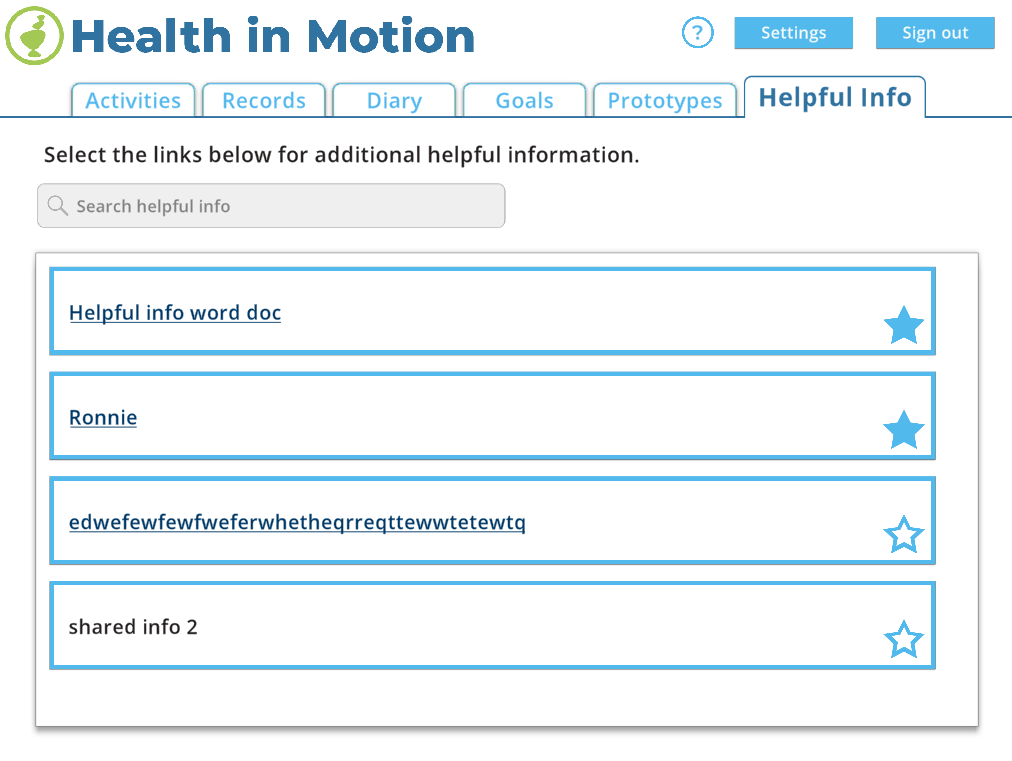
Another feature that clinicians wanted, was a way to send messages to patients; such as reminders, links to websites, or pdfs. The Helpful Info tab that I implemented makes it possible for the clinician to share all these types of information, as well as letting the patient star/favorite info so that’s it’s easier to access.
PROJECT LINKS
Game page from Blue Marble Game Co.
 Andrew Truman Neff