
A 2D puzzle platformer developed in JavaScript and featuring Box2D physics.
The Imposter was developed by a team of four juniors for a course in the UCSC Game Design program. For most of us this was our first team experience in game development and was consequently a great learning experience. At the end of the course the game was nominated for best art and design.
Overview
In The Imposter you play as a figure drawn on to the page. You explore the world of the page as you try to navigate and survive the artist’s other manifestations as they are drawn. Sometimes these will come in the form of tools you can use to progress through the levels which are split up into pages.
Game Trailer
Roles and Contributions
Game Designer/Project Manager
While everyone on the project contributed to designing the core mechanics, my focus was on creating and maintaining documentation, arranging team meetings, and creating project schedules.
Level Designer
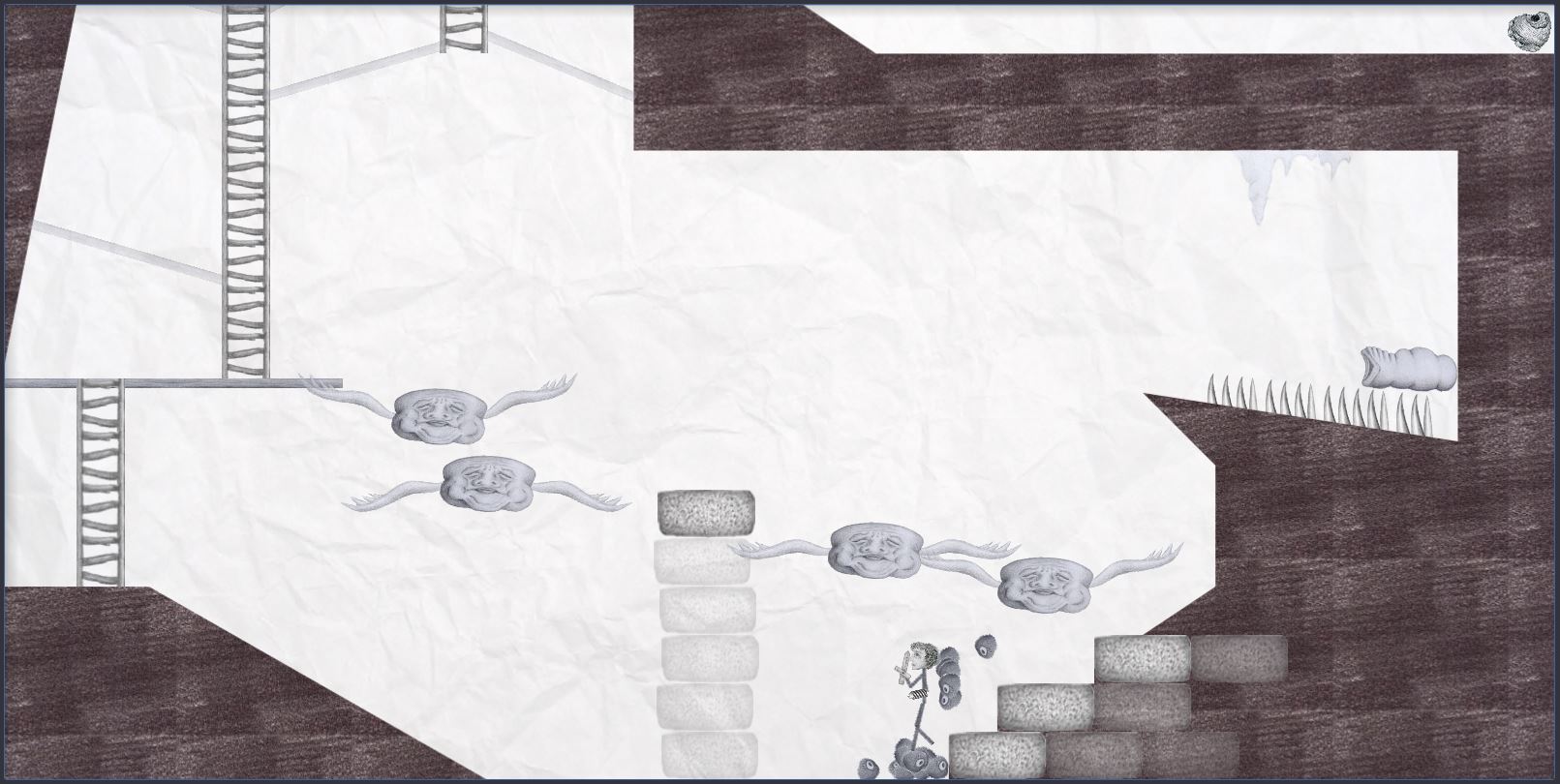
I designed a third of the games levels, which involved designing them on paper first and then translating that into JavaScript. By setting up the levels, I learned a lot about using the Box2D physics to set up physics-based puzzles. I also created an ice level after experimenting with friction settings and realizing how fun it would be to have to control your momentum while dealing with enemy AI and environmental hazards.
Gameplay Programmer
A lot of the gameplay is based on platforming and physics puzzles. Along with setting up levels for those mechanics I also coded a button panel feature. The button panel is basically a switch that the player can press. It’s made so that various events can be triggered by it and used in combination with other buttons to create puzzles.
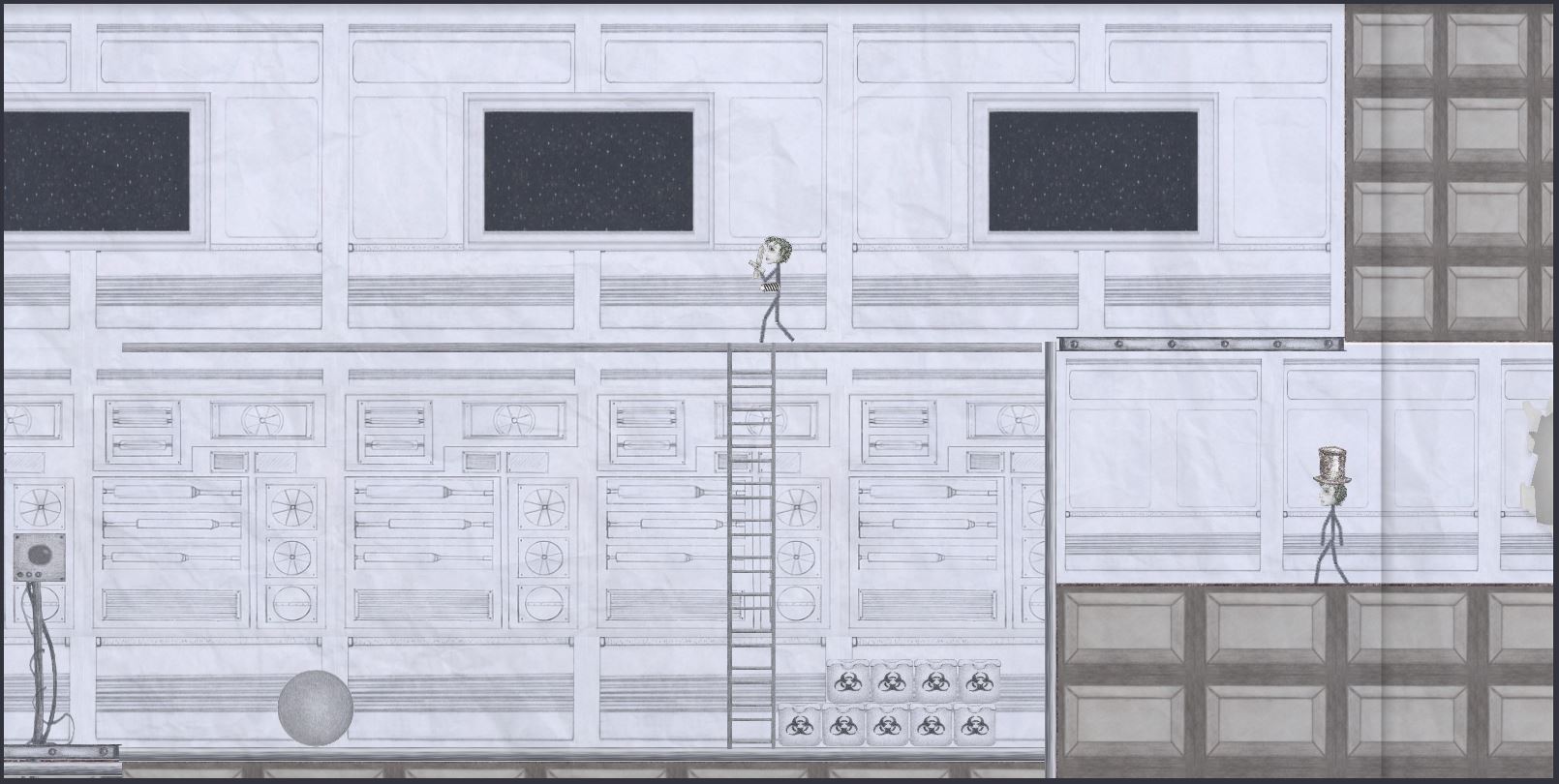
The image below is one of the levels in which two switches are used. One of them turns on a magnet which pulls the wrecking ball up to the ceiling. The other one turns off the magnet(which is now attached to a chain) sending it swinging through the glass on the right side, which sucks the player out into space.
You may be asking yourself “why not just use one switch to turn on and off the same magnet?” That was how it was set up initially, but playtesting revealed that people rarely pressed the button a second time, and would get stuck not knowing what to do next. By adding a second button, players knew that they should use both buttons instinctively, it just added the small puzzle of “which button to press first?”
Additional Game Media
 Andrew Truman Neff